
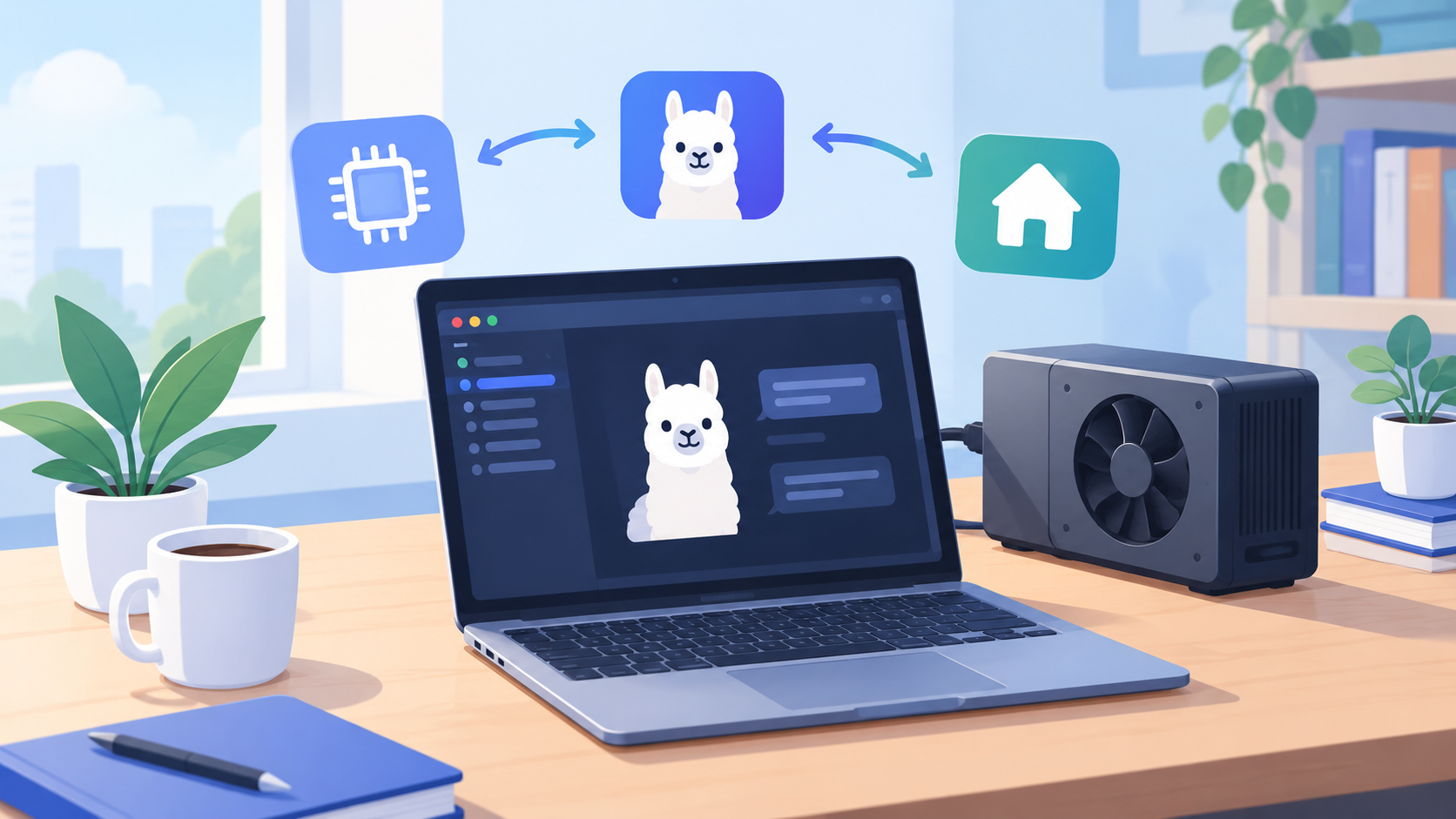
Run an LLM locally on hardware you already own and you get three things a hosted API cannot offer: no per-token cost, no data leaving the machine, and no rate limit. The trade is a memory budget you have to plan rather than a bill you can ignore.
Recent open-weight releases pushed this from a hobby into a default for privacy-sensitive work. Aleph Alpha's Kolibri is an English-German mixture-of-experts model released under Apache 2.0 (Aleph Alpha), and antirez's ds4 targets DeepSeek V4 Flash on Metal, CUDA and ROCm (ds4). The runtimes below are the layer underneath both.
01Pick a runtime before you pick a model
There are three levels of control, and the right choice depends on whether you are optimizing convenience or throughput.
| Runtime | Best for | Interface | Trade-off |
|---|---|---|---|
| Desktop app (LM Studio and similar) | First run, browsing models | GUI | Less scriptable |
| Ollama | Daily use, app integration | CLI + daemon on port 11434 | Fewer low-level knobs |
| llama.cpp | Tuning, serving, embedding | llama-cli, llama-server | Manual setup |
All three ultimately run GGUF files, so a model you download for one is not wasted on another.
02Estimate memory before you download
This is the step people skip, and it is the reason a download finishes and then fails to load. Two costs matter.
Weights scale with parameter count and bit depth, because quantization stores fewer bits per weight. Four bits is half a byte, so a billion parameters is about 0.5 GB plus overhead — call it 0.6 GB — and 8-bit roughly doubles that to 1.1 GB.
KV cache scales with context length, batch size, layer count and head dimension — and it is not free. On a 7B model, going from a 4K to a 32K context can add several gigabytes.
| Model size (Q4) | Weights (est.) | Comfortable minimum | Notes |
|---|---|---|---|
| 3B | ~2 GB | 6 GB | Fits small laptops |
| 7–8B | ~5 GB | 10 GB | The usual sweet spot |
| 13–14B | ~8 GB | 14 GB | Wants a 12 GB+ GPU |
| 30–34B | ~20 GB | 32 GB | Apple silicon unified memory or dual GPU |
The weights are the floor, not the total
A model that fits with an empty context can run out of memory once you raise the context window. Decide the context you need first, then choose the quant that leaves room for it.
03Run a model with Ollama
Ollama is the shortest path from nothing to a working endpoint. It pulls a quantized model, caches it and starts a daemon that speaks HTTP.
- Install and start the daemon. The official installer covers macOS, Windows and Linux; the daemon listens on port 11434 once it is running.
- Pull and run a model. The tag selects the parameter size and quant; omitting it usually picks a default.
ollama pull gemma4
ollama run gemma4
The example pulls gemma4, the current Gemma release in Ollama's model library. The tag selects the parameter size and quant; omitting it usually picks a default.
- Call the API directly. Ollama serves an OpenAI-compatible endpoint on
11434, so existing clients work after a base-URL change.
curl http://localhost:11434/v1/chat/completions \
  -H 'Content-Type: application/json' \
  -d '{
    "model": "gemma4",
    "messages": [{ "role": "user", "content": "Summarize this changelog in one line." }]
  }'
- Check what is loaded and how fast. Ollama reports the model, context size and tokens per second, which is the number to watch when you tune.
04Run the same model with llama.cpp
llama.cpp is where you control GPU offload and context explicitly. Build it once, then serve any GGUF file.
cmake -B build -DCMAKE_BUILD_TYPE=Release
cmake --build build --config Release -j
Serve a model with most layers on the GPU. -ngl 99 offloads every layer it can, -c sets the context size, and --port exposes an OpenAI-compatible server.
./build/bin/llama-server \
  -m ./models/qwen3-8b-q4_k_m.gguf \
  -c 8192 \
  -ngl 99 \
  --host 127.0.0.1 --port 8080
curl http://127.0.0.1:8080/v1/chat/completions \
  -H 'Content-Type: application/json' \
  -d '{"model": "local", "messages": [{"role": "user", "content": "Hello"}]}'
-ngl is the single most useful flag. If the model does not fit, lowering it moves layers to system RAM: it will still run, but far slower, because every token then crosses the PCIe bus.
05Tune the three settings that decide performance
Quantization sets the quality ceiling (llama.cpp quantize). Q4_K_M is the standard balance, Q5_K_M keeps more quality for a modest size increase, and Q8_0 is close to the original at roughly double the weight size. Move down only when nothing larger fits.
Context is the setting most likely to silently overshoot your memory. Start at the length you actually need for the task, not the model's advertised maximum, and raise it one step at a time while watching memory.
GPU offload decides whether inference is fast or merely possible. Offload as many layers as fit in VRAM, and reserve a little headroom for the KV cache and the operating system.
A quant that fits the weights can still fail on context
If the server crashes after the model loads, or slows to a crawl mid-conversation, raise
-ngldown or reduce-c. Long conversations grow the cache until the machine starts swapping.
06Common errors and fixes
| Symptom | Cause | Fix |
|---|---|---|
| Model loads then fails on first long prompt | KV cache exceeded available memory | Lower context or the quant |
| Very slow tokens per second | Layers are running on CPU | Raise -ngl or free VRAM |
| Garbled or repetitive output | Quant too aggressive for the task | Step up to Q5 or Q8 |
| Connection refused on port 11434 | Ollama daemon not running | Start the service and retry |
| Client works with the API but not the model | Model name does not match the tag | Use the exact tag from ollama list |
The workflow that works: estimate memory, choose the smallest quant that meets your quality bar, serve it with an OpenAI-compatible endpoint, and point your tools at localhost. Once that endpoint is stable, you can hand it to a coding agent or an internal tool without sending a single token off the machine.
07Sources
- Aleph Alpha — Kolibri Has Landed: A Sovereign Open-Weight Model (accessed 2026-10-09)
- antirez/ds4 (DwarfStar) — supported hardware and model list (accessed 2026-10-09)
- llama.cpp — quantize tool: what quantization changes (accessed 2026-10-09)
- Ollama — install instructions for macOS, Windows and Linux (accessed 2026-10-09)
- Ollama library — gemma4 (accessed 2026-10-09)
- Ollama — OpenAI compatibility, base URL http://localhost:11434/v1/ (accessed 2026-10-09)
- llama.cpp — build instructions (accessed 2026-10-09)
- llama.cpp — server README:
-ngl,-c,--host,--portand the OpenAI-compatible routes (accessed 2026-10-09)
Frequently asked questions
How much RAM or VRAM do I need to run a model locally?
Budget roughly 0.6 GB per billion parameters at a 4-bit quant for the weights, then add memory for the KV cache. A 7B model at Q4 needs around 4–5 GB before context; a long context can add several more gigabytes.
What is the difference between Ollama and llama.cpp?
Ollama wraps llama.cpp with model management, a daemon and an OpenAI-compatible API on port 11434. llama.cpp gives you the raw binaries and full control over every flag, which is what you want when tuning performance.
What does quantization actually trade away?
Precision. Lower-bit quants shrink the file and speed up inference but lose accuracy, especially on reasoning and long-context tasks. Q4_K_M is the usual balance; Q8_0 is closer to the original at roughly double the size.
Why is my model slower than the benchmarks?
Most benchmarks assume the whole model fits in VRAM. If layers spill to system RAM, throughput drops sharply. Reduce context, use a smaller quant, or offload fewer layers and accept that trade.
Can I use the local model with my existing OpenAI client?
Yes. Both Ollama and llama-server expose an OpenAI-compatible endpoint, so you change the base URL and model name rather than rewriting SDK calls.
Related articles
- How to choose and self-host a coding agent harness
Point an agent at your local endpoint once it is serving.
- Prompt injection is the new SQL injection
A local model has no less risk when it can call tools.
Related tools
- JSON Formatter
Pretty-print OpenAI-compatible API responses.
- JSON Validator
Check structured-output responses before parsing.
- JSON to TypeScript
Turn a model's JSON shape into typed interfaces.
- JSON Schema Generator
Draft a schema to constrain structured output.